MailerLite Design Hacks for Non-Designers
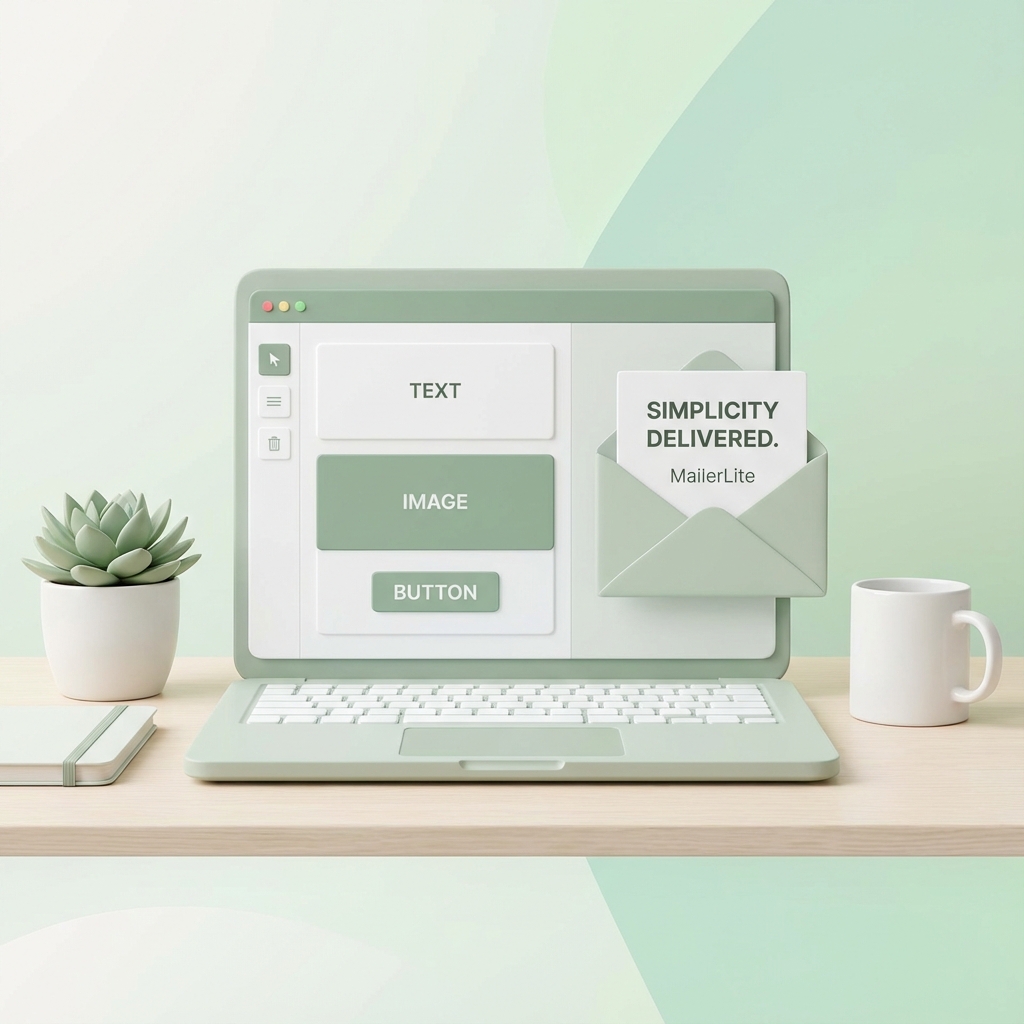
Simplicity Meets Style
MailerLite is loved for its simplicity, clean interface, and affordability. It's the go-to choice for creators, bloggers, and startups. However, "simple" shouldn't mean "boring." While MailerLite's editor is user-friendly, it can restrict you to very basic layouts.
xNoel brings the style to MailerLite's simplicity. By combining the two, you create a marketing engine that is both incredibly easy to manage and shockingly beautiful to behold.
How xNoel Helps Non-Designers
With xNoel, you act as the art director, not the pixel pusher. You don't need to know what hex code matches your logo or how many pixels of padding to add. You simply tell the AI the "vibe":
"Create a warm, organic newsletter for a coffee brand. Use earth tones, rounded corners, and a spacious layout."
xNoel does the heavy lifting, outputting code or images perfect for MailerLite HTML blocks.
Zero Friction Workflow
Here is the exact workflow smart creators are using in 2025:
- Ideation: Describe your campaign topic to xNoel. "I'm writing about 5 tips for better sleep."
- Generation: xNoel generates a layout suited for the content—perhaps a listicle format with custom icons and soothing colors.
- Refinement: "Make the icons larger" or "Add a 'Read more' button after each tip."
- Integration: Export the HTML and drop it into a MailerLite "HTML" block, or simply export the images to use in the Drag & Drop editor.
This allows you to bypass the limitations of pre-set blocks. Want a diagonal section divider? A custom font stack? A background pattern? xNoel makes it possible.
Maximize Your Impact
The democratization of design tools means that small teams can look like big enterprises. xNoel levels the playing field.
It allows a solo founder to compete with major brands on design quality. When your email looks professional, potential partners and customers take you more seriously. It validates your expertise before they even read a word of your content.
Top 3 Design Hacks with xNoel
- The "Faux" Video Player: Ask xNoel to generate a video thumbnail with a play button overlay for your email. It skyrockets click rates to your YouTube or Loom videos.
- Personalized Sign-offs: Generate a handwritten-style signature block to add a personal touch to every campaign.
- Dynamic Spacers: Instead of white space, use branded texture images as spacers between sections to keep the eye moving.
Conclusion
MailerLite provides the engine; xNoel provides the paint and polish. Together, they allow non-designers to publish content that looks like it came from a dedicated creative agency.